








Create usage metrics
Contents
Customer Analytics is in beta
Customer Analytics is currently in beta and free to use. We're actively developing this feature and would love your feedback.
You can create usage metrics in two ways:
- Go to Settings > Customer Analytics and click Add usage metric
- Open any customer profile and click Add usage metric
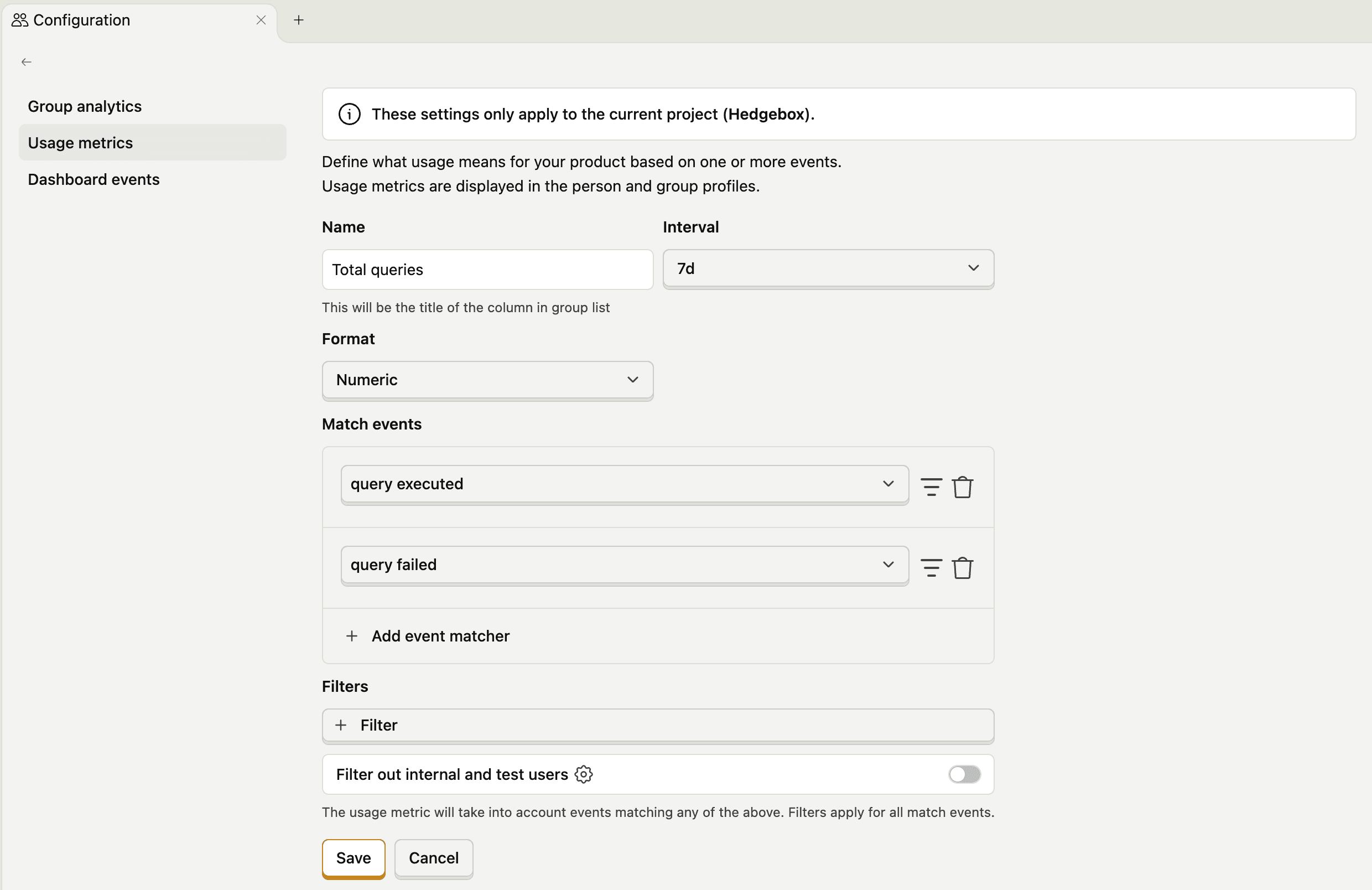
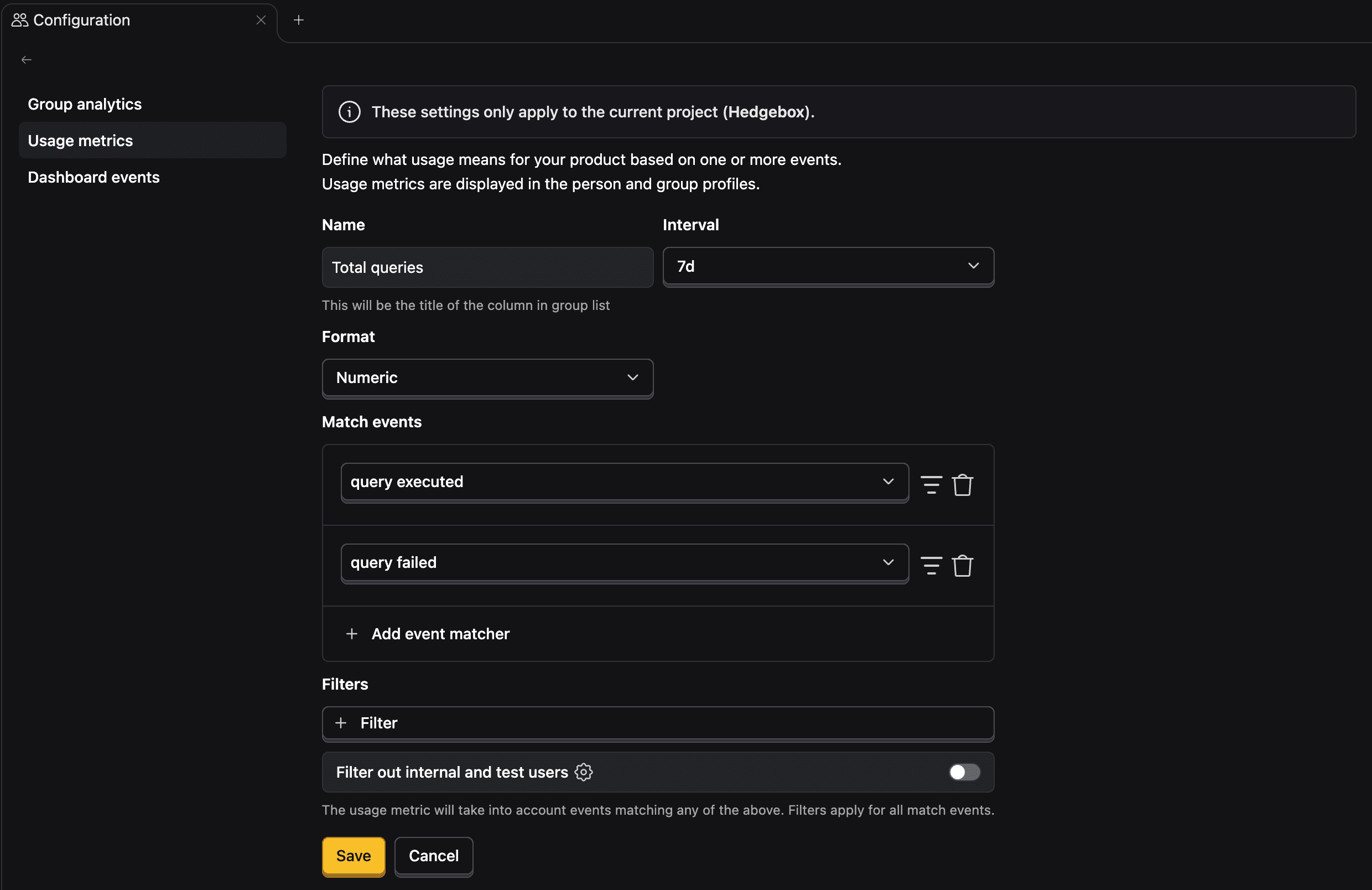
Configuration options
| Field | Description |
|---|---|
| Name | The column title shown in customer lists |
| Interval | Time period for the metric: 7, 30 or 90 days |
| Format | How the value should be formated: Numeric or currency |
| Match events | Which events to count toward this metric |
| Filters | Additional conditions to narrow down matched events |
Match events
Click Add event matcher to specify which events count toward this metric. You can add multiple event matchers, the metric will count events matching any of them.
For example, to track API usage, you might match events named api_request or api_call.
Filters
Filters apply to all matched events. Use them to narrow down what counts—for example, only counting successful API calls by filtering for status = 200.